Dental software can be powerful, but only if the people using it know how to apply it in the context of their day-to-day responsibilities.
That is where effective dental software training becomes so important.
Too often, training focuses on features. Employees are shown where to click, how to open a screen, or where to find a certain function. While that can be helpful, it does not always prepare them for the real situations they will encounter during a busy workday.
The better approach is to train around roles, responsibilities, and workflows.
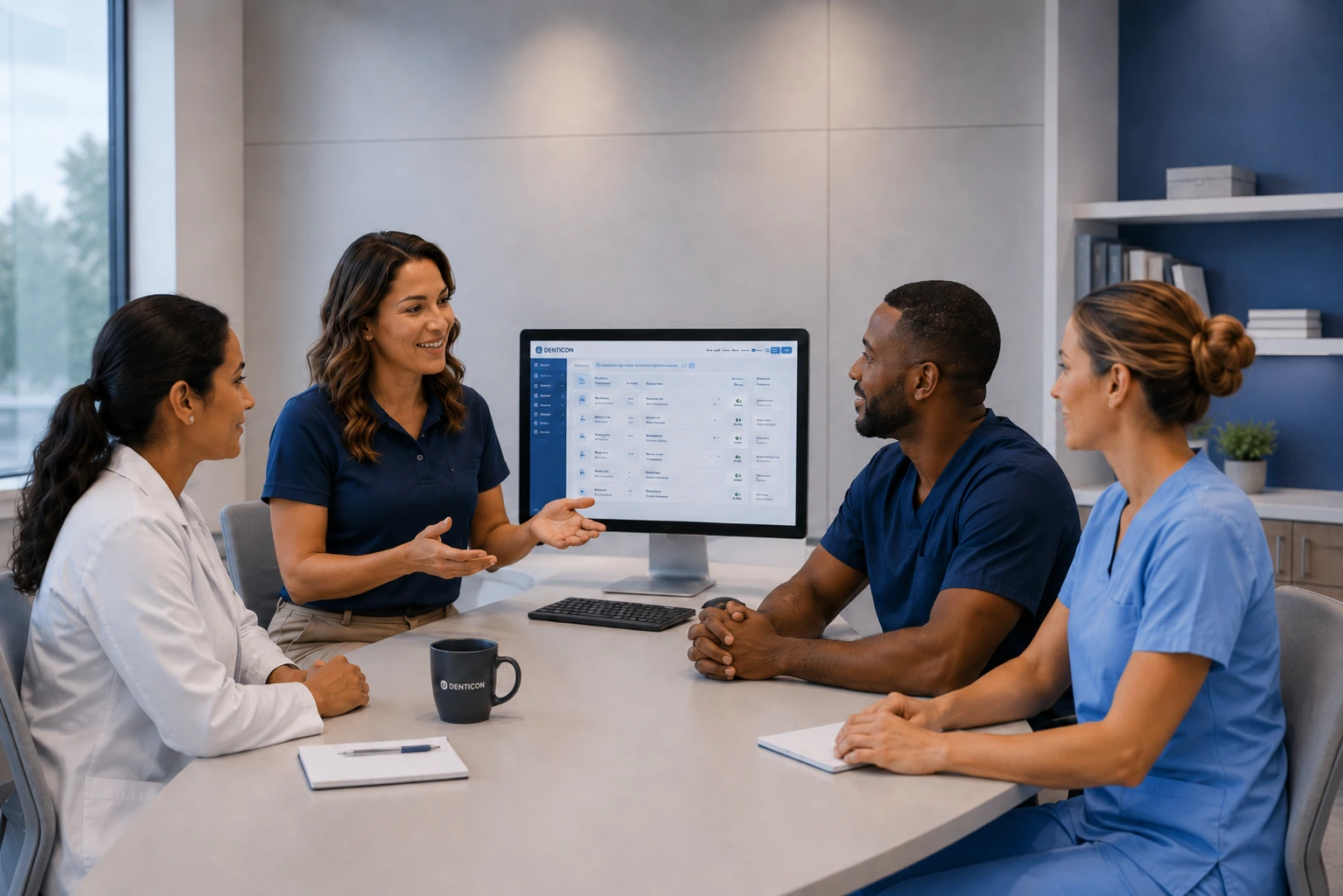
A front desk coordinator does not need the same depth of training as a billing specialist. A hygienist interacts with software differently than a practice manager. A treatment coordinator needs to know how clinical recommendations, financial information, insurance benefits, and scheduling all fit together.
The goal is to teach your team not just how the software works, but how to use it to do their jobs more consistently and efficiently.
Start With Role-Based Dental Software Training
Most dental practices rely on several technology platforms throughout the day. These may include a dental practice management system, patient scheduling software, electronic dental records, dental imaging software, billing and claims platforms, patient communication tools, online forms, and reporting systems.
Not everyone needs to master every feature.
In fact, trying to train every employee on every part of the software can be counterproductive. Employees may leave training sessions overwhelmed with information that has little to do with their actual responsibilities.
Role-based dental software training takes a different approach. Instead of asking what the software can do, it starts by asking what each employee needs to accomplish during a normal workday.
From there, the training can be built around those specific workflows.
Front Desk Teams Need Workflow Training, Not Just Scheduling Training
The front office is one of the most software-dependent areas of a dental practice.
A front desk team member may move between scheduling, patient records, insurance information, payments, forms, and communication tools throughout the day. Their training should reflect that reality.
Scheduling is an obvious starting point, but effective training should go beyond simply creating an appointment. Team members need to understand how the practice handles cancellations, no-shows, emergency appointments, provider schedules, open appointment opportunities, and multi-location scheduling when applicable.
They should also understand how patient information is entered and maintained. That includes creating new patient records, updating contact information, entering insurance details, managing forms, and following the practice’s standards for data entry.
If different employees enter information in different ways, small inconsistencies can quickly become larger operational problems. This becomes even more important in multi-location dental organizations or DSOs where multiple offices may be working within the same dental practice management software.
Patient communication should also be part of front desk training. Employees should understand how appointment reminders, confirmations, text messages, digital forms, recall communication, and patient portals fit into the overall workflow.
The objective is not simply to know how to send a message. It is to understand when that communication should happen and how it fits into the patient experience.
Clinical Teams Need Training That Mirrors Patient Care
Dental software training for dentists, hygienists, and assistants should look very different from front desk training.
Clinical employees are usually more focused on documentation, treatment planning, charting, imaging, and patient care workflows.
For example, clinical charting training should address how the practice expects information to be entered into the patient’s record. That can include clinical notes, periodontal charting, treatment recommendations, procedure documentation, medical history updates, and treatment plans.
If one provider documents information one way and another provider uses a completely different process, records can become harder for the rest of the organization to understand and use.
Dental imaging software training is another major area. Clinical teams may need to work with digital X-rays, intraoral images, panoramic imaging, or CBCT systems. The training should not only explain how to capture images, but also how those images are stored, retrieved, and connected to the patient’s record.
Treatment planning deserves the same attention. Employees should understand how recommendations move from diagnosis to presentation, scheduling, and follow-up, and how the information they enter supports each step in that process.
Billing and Insurance Teams Often Need Deeper Software Training
Dental billing and insurance workflows can be some of the most complex areas inside a practice.
Billing teams may work with insurance verification, claim creation, electronic claim submission, payment posting, adjustments, patient balances, aging reports, and outstanding claims.
Because of that complexity, their software training often needs to go much deeper than basic navigation.
A billing specialist should understand how information moves from the clinical record into the financial side of the practice. They should know where to identify missing information, how to track unresolved claims, how payments are posted, and how issues in the software can affect accounts receivable.
For dental groups with centralized billing teams supporting multiple offices, standardized software workflows can help maintain consistency across locations and reduce unnecessary back-and-forth between clinical, administrative, and billing teams.
Treatment Coordinators Need to Understand the Full Patient Journey
Treatment coordinators often sit between the clinical, administrative, and financial sides of the dental practice.
Because of that, their software training needs to connect several different workflows.
They may need to review treatment plans, understand procedure sequencing, calculate or explain estimated patient responsibility, review insurance benefits, schedule treatment, document patient conversations, and follow up on unscheduled care.
A treatment coordinator should be able to quickly access and understand the information needed to confidently guide a patient through the next step.
That requires more than knowing where information lives inside the software. It requires understanding how the different pieces of the system connect.
Practice Managers Need a Broader View of the Software
Practice managers often do not perform every task inside the dental software themselves, but they still need to understand how those tasks fit together.
Their training should include the systems and reports they use to monitor the health of the practice.
That may include scheduling performance, production, collections, accounts receivable, unscheduled treatment, patient retention, provider productivity, and insurance aging.
Managers should also understand the workflows being used by the rest of the team.
If employees are developing workarounds or skipping steps, the manager needs enough knowledge of the system to recognize the problem and help correct it. This broader understanding can help managers identify inconsistencies, reinforce established workflows, and address issues before they create larger operational problems.
DSOs and Multi-Location Groups Need Standardization
Dental groups and DSOs face another layer of complexity because they are often trying to maintain consistency across several locations.
The more locations an organization has, the more important standardized software workflows become.
Without clear standards, processes for scheduling, billing, documentation, and other daily workflows can vary from one office to another, creating challenges with reporting, employee onboarding, troubleshooting, and communication between locations.
Training can help reinforce those standards by giving teams a consistent understanding of how the organization expects the software to be used. Leadership teams may also need training on multi-location reporting, user permissions, centralized billing, operational dashboards, and software governance.
The goal is not to make every office identical in every respect. It is to create enough consistency that employees understand the expected process and leadership can trust the information coming from the system.
New Employee Training Should Be Structured
Dental software training should not be treated as something that only happens when a new system is installed.
New employees also need structured software onboarding.
A common approach is to have a new hire sit next to an experienced employee and learn the system informally. That may work in the short term, but it can also lead to inconsistencies.
One employee teaches a shortcut to another employee. That person teaches it to the next new hire. Over time, the original workflow may disappear entirely.
A more structured onboarding process gives new employees a clear understanding of how the organization expects the software to be used, while helping reinforce established workflows from the start.
This is particularly valuable for larger dental practices, DSOs, and organizations with frequent hiring or internal role changes, where consistent onboarding can help prevent processes from drifting over time.
Training Before a Software Go-Live Should Feel Like a Real Workday
When a dental practice is implementing a new software platform, training should take place before the official go-live date, giving employees time to become familiar with the system before using it with patients.
Waiting until launch day creates unnecessary pressure. Employees are trying to learn a new system at the same time they are managing patients, schedules, phone calls, documentation, and billing.
Dental software implementation training works best when employees have time to practice realistic scenarios before the system becomes part of daily operations.
For example, instead of simply showing the team how to create a patient record, training can walk through the entire new patient experience.
A new patient calls the office. Their information is entered into the system. Insurance details are added. Forms are sent. The appointment is scheduled. Reminders go out. The patient arrives. Clinical documentation is completed. The patient checks out. Insurance is billed.
That type of scenario connects the individual features of the software to the actual workflow of the practice. Instead of simply asking, “How do I use this feature?” employees begin to understand, “When would I use this, and what happens next?”
Real Scenarios Make Training More Useful
Dental technology training should prepare employees for real-world situations they may encounter while using the software throughout the workday.
What happens when a hygienist discovers existing charting is incomplete or incorrect during a patient appointment?
What happens when a doctor needs to document a change in the treatment plan after the patient is already in the chair?
What happens when a patient’s imaging or clinical information isn’t appearing where the provider expects to find it?
What happens when insurance cannot be verified before an appointment?
What happens when recommended treatment is not scheduled before the patient leaves?
Working through situations like these helps employees think beyond individual software functions and understand the full process. It can also expose gaps in the workflow.
If the team cannot clearly explain what happens next, the issue may not be the software itself. It may be the process around the software.
Dental Software Training Should Continue After Go-Live
Even the best training program will not answer every question before launch.
Once employees begin using the system during real patient care, new challenges and questions can emerge. Employees may develop workarounds, certain processes may take longer than expected, features may be underused, or different departments may interpret the same workflow differently.
Post-launch training can target the specific challenges teams encounter once the software is in daily use.
Additional training may also be valuable whenever there is a meaningful change in people, technology, or workflow. That might include hiring new employees, changing job responsibilities, opening another location, acquiring a practice, updating processes, or introducing new technology.
Periodic refresher training can also help reinforce established workflows and address inconsistencies that develop over time.
What to Look for in a Dental Software Training Partner
Effective dental software training requires more than knowledge of the platform. It should be backed by dental expertise and an understanding of how technology is used throughout a practice.
Look for training led by professionals with hands-on dental experience and relevant software certifications. The right training partner should understand the systems, terminology, and challenges dental teams encounter every day.
For DSOs and multi-location organizations, a training partner should also be able to support consistency across locations while addressing different roles, workflows, and levels of experience.
At Thinc Forward, we bring that expertise directly into the training experience—helping dental teams build confidence with their software, strengthen day-to-day workflows, and get more from the technology they rely on.
Frequently Asked Questions About Dental Software Training
Dental software training teaches employees how to use the technology involved in running a dental practice. This may include dental practice management software, clinical systems, imaging platforms, patient communication tools, billing software, and reporting systems. The most effective training connects those tools to real workflows rather than focusing only on individual features.
Usually not. Role-based dental software training allows employees to focus on the functions they actually use. Front desk staff, clinical team members, billing specialists, treatment coordinators, and practice managers all have different responsibilities and should be trained accordingly.
Training is particularly important during a new software implementation, when onboarding employees, after major system updates, when job responsibilities change, or when an organization is standardizing processes across multiple locations.
Workflow-based training teaches employees how the software fits into a complete process. Instead of simply showing someone how to use a feature, training may follow a patient from scheduling and check-in through treatment, checkout, billing, and follow-up.
Dental practices change over time. Employees develop new habits, software platforms are updated, new team members are hired, and workflows evolve. Ongoing training helps reinforce consistent processes and can identify opportunities to improve how the software is being used.